Description of the View tab
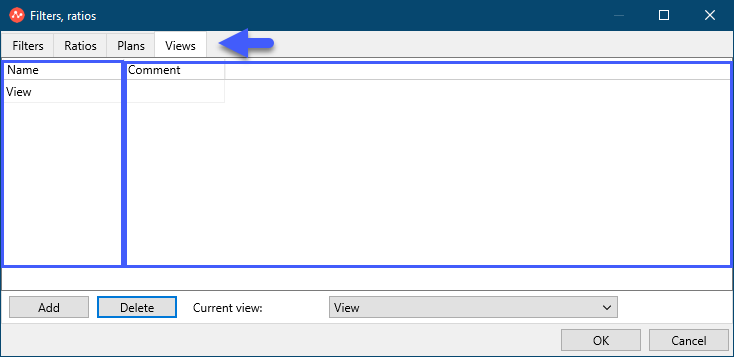
The “Views” tab of the “Filters” functionality duplicates the data from the “View” tab of the main menu, but here you can add a Comment for each View.
The window of the "Views" tab consists of 2 parts.
On the left side is a list of saved Views
On the right side are comments for each of the saved Views.
Button "Add" - adds a view.
Button "Delete" - deletes the view.
The Current View pull-down menu sets the current View.
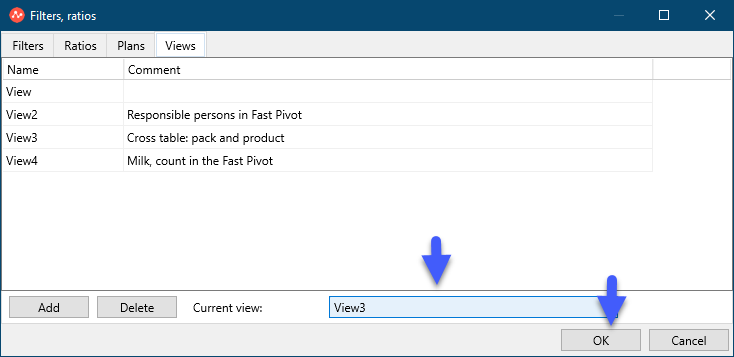
For example:
Select the current View, click "OK".