Description of the Ratios tab
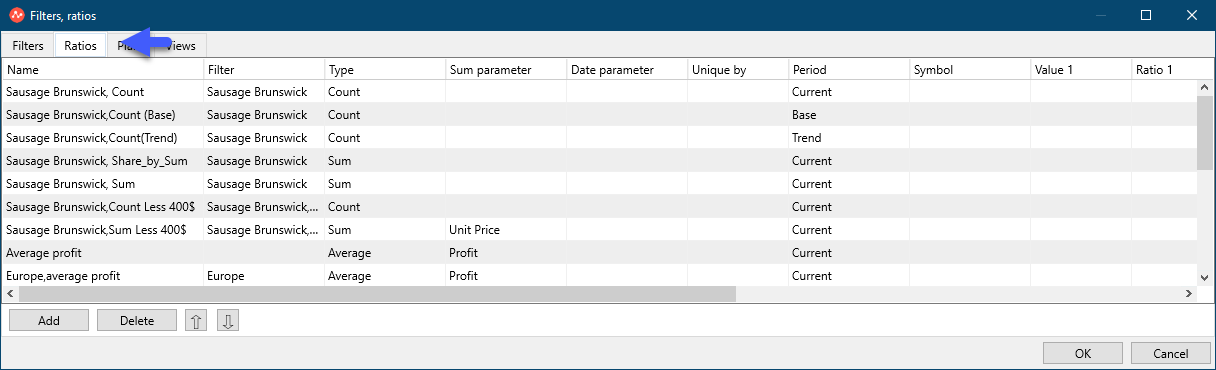
Look at the Ratios tab.
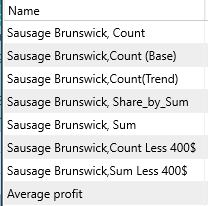
The column "Name" contains the namies of the all the Ratios.
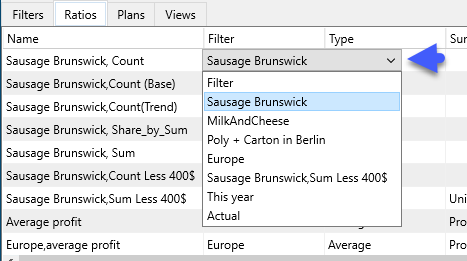
The column "Name" contains the namies of the all the Filters.
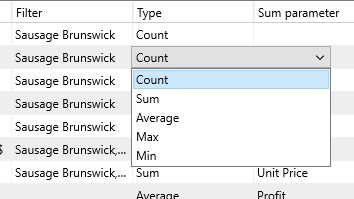
The Type column contains a list of Parameters: Count, Sum, Average, Maximum and Minimum value.
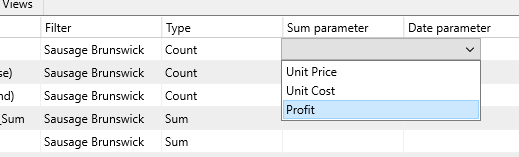
The column "Sum parameter" contains the sections in numerical values:
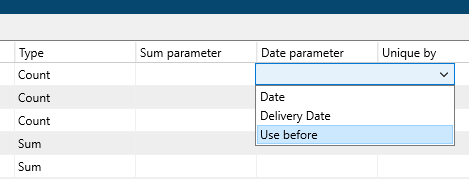
The column "Date parameter" contains the sections in date types
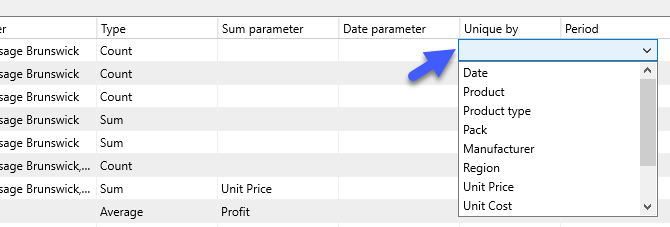
The uniqueness parameter for one of the sections is set in the "Unique by" Column.
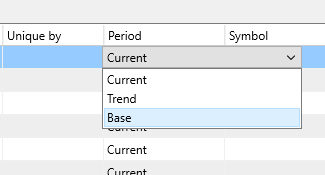
Set the period for which the Parameters is considered in the column "Period".
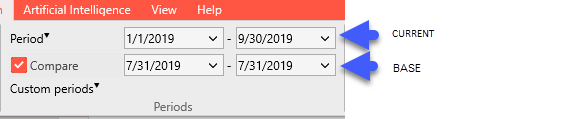
Periods are set in the settings of the tab "Home" of the main menu of the program:
Trend = Current - Base
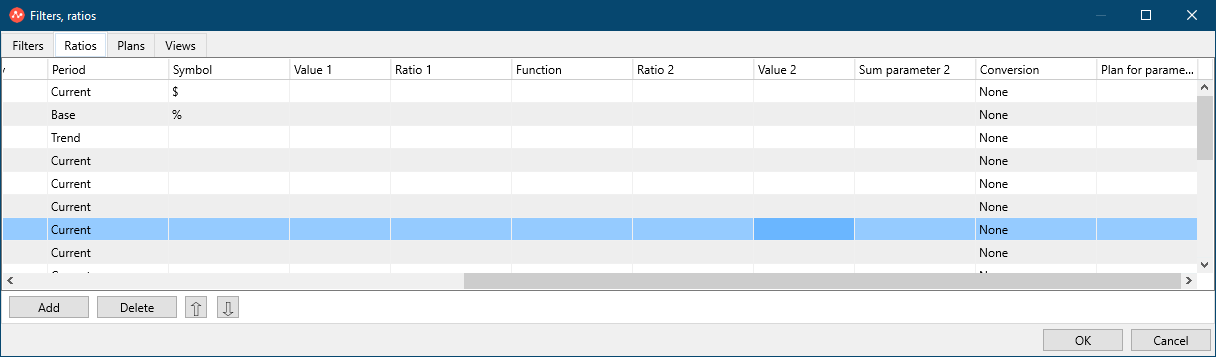
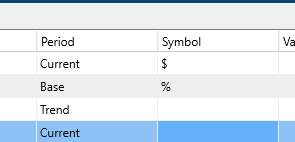
Enter the Symbol you need for the Ratios (%, $, etc.) In the "Symbol" column.
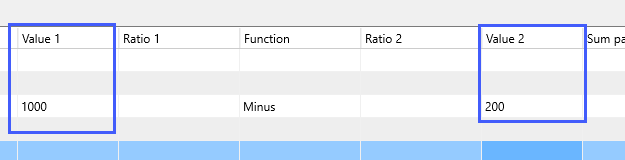
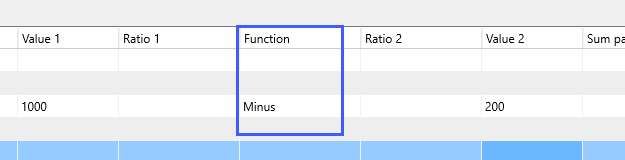
Columns "Value 1" "Value2" - put any numerical value for mathematical operations:
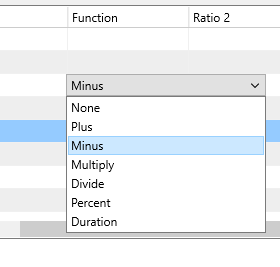
Function column - select the mathematical action:
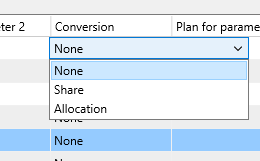
The “Conversion” column - will show the share or distribution of the Ratios to the total amount, similar to the “Conversion” functional (Bars), where:
- share - this is the share of the parameter in each of the segments;
- Allocation is the distribution of parameters between segments within each section;
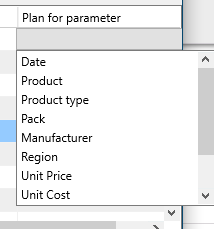
Column “Plan” - assigns Plans from the “Plan” tab to a Section, for example, to the section “Created” or “Responsible”.