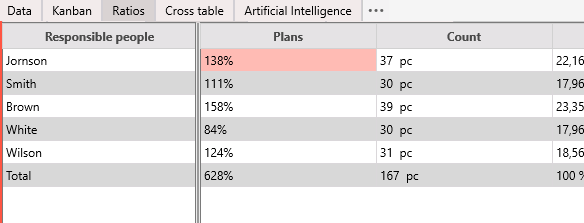
The Plans tab can be used to compare a specific list of values with aggregated values for the main table. These can be sales plans or norms of time expenditures per employee.
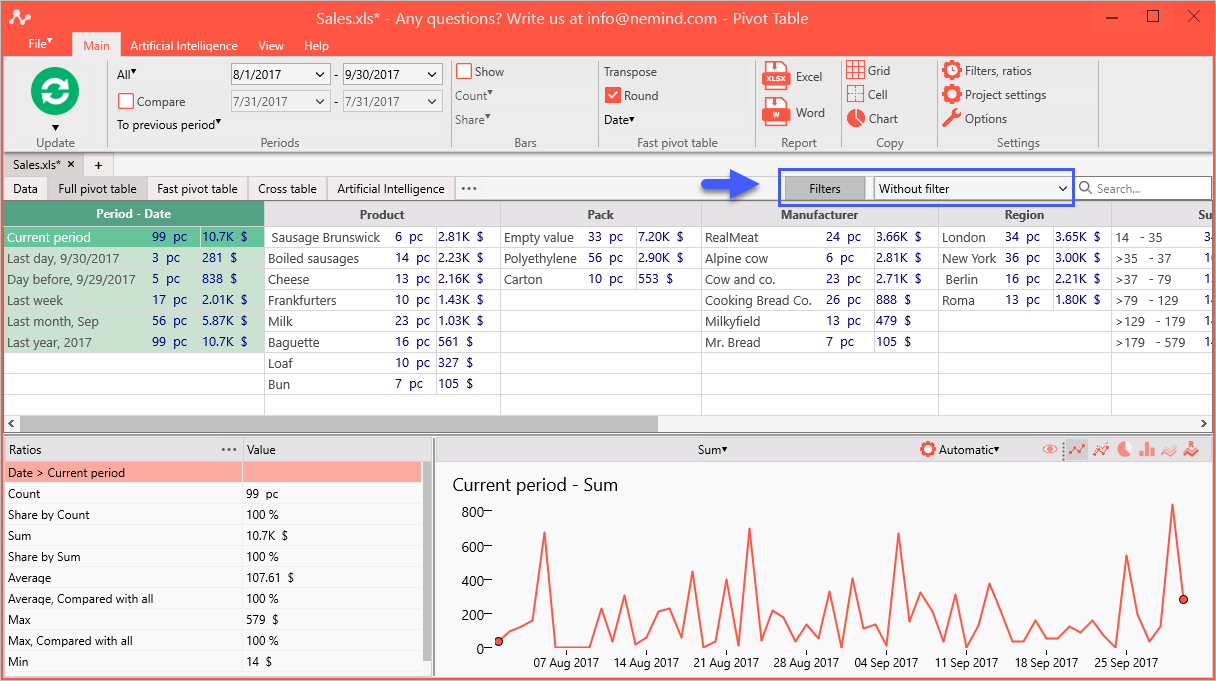
Click on the "Filter" button in the program menu:
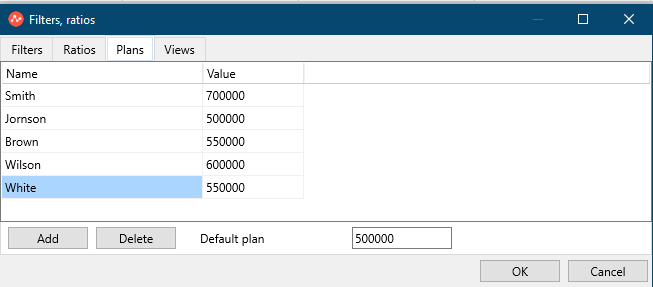
Click the Plans tab. It consists of one window-table, where values for plans are entered.
Buttons:
Add - adds a line with the plan value;
Delete - deletes the line with the plan value.
In the example, sales plans for responsible people are added.
To display plans in the Quick summary table, you must:
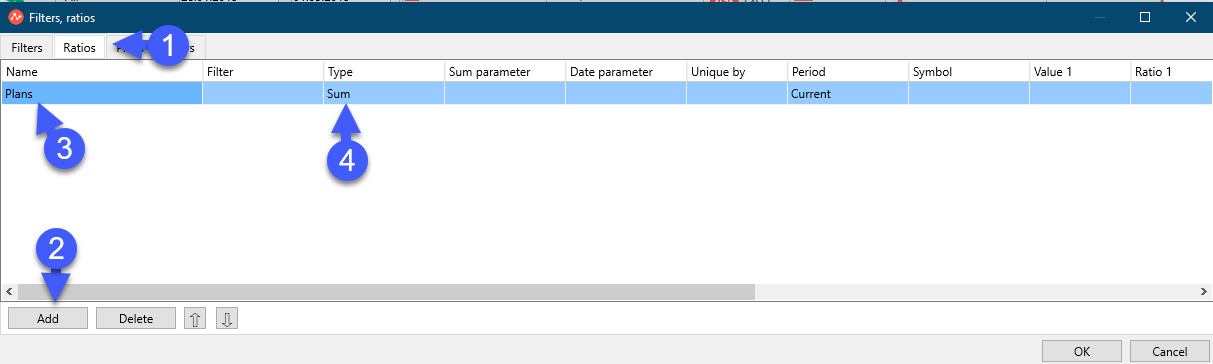
1. Go to the "Ratios" tab.
2. Add a "New ratio" with the "Add" button and rename it to "Plans".
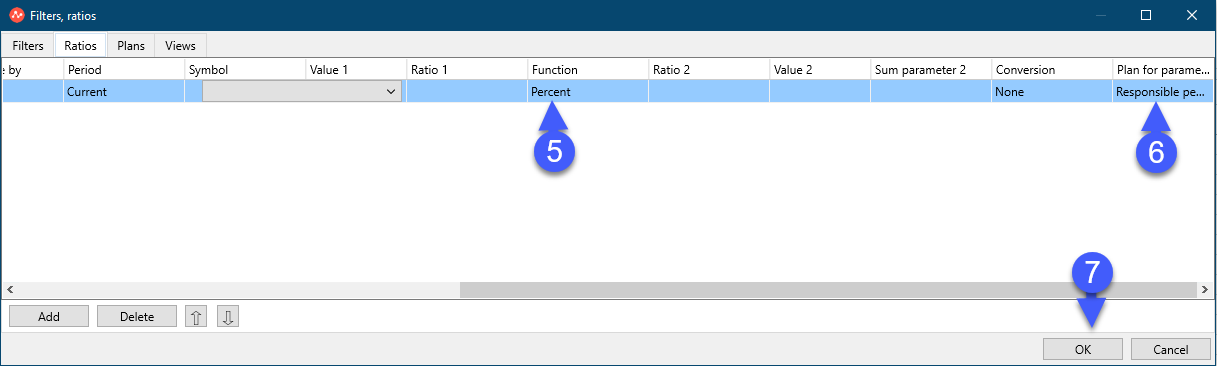
3. Set the values shown in the screenshots below: