View
When working with many reports from one file, you can create many Views with each report.
The program has the ability to quickly switch from report to report using the Views tab.
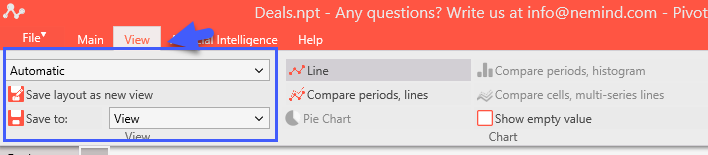
The tab "View" allows you to save the current View of the program.
Select and change any report/
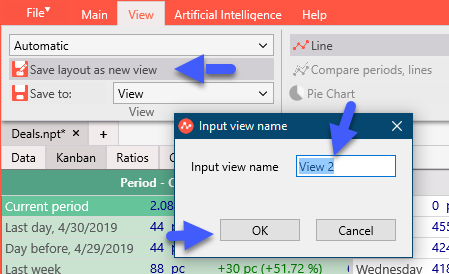
Click "Save layout as new view".
Enter the name of the View.
English
Click OK.
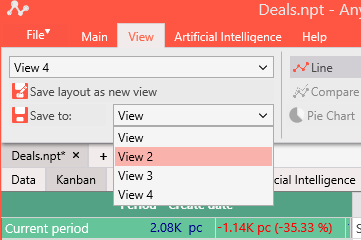
Select the View from the drop-down menu.
Attention! The view does not apply to Filters and Dates. You can save only the selected tab and the columns inside it.