Setting up work with the CRM AMOCRM system
STEP 1. Download and install the Pivot Table application for MS Windows on the link Download .
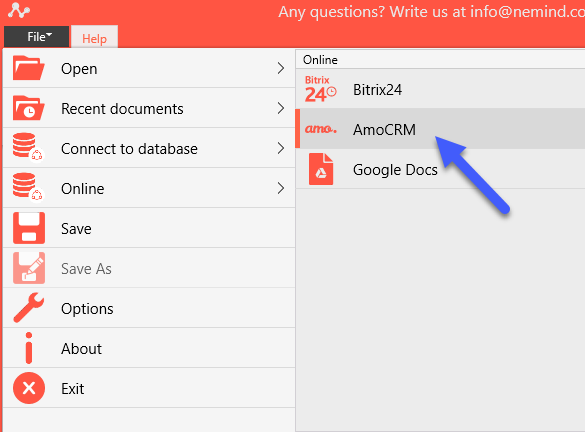
STEP 2. Launch the application and select File> Online Connection to Bitrix24 i по n the menu:
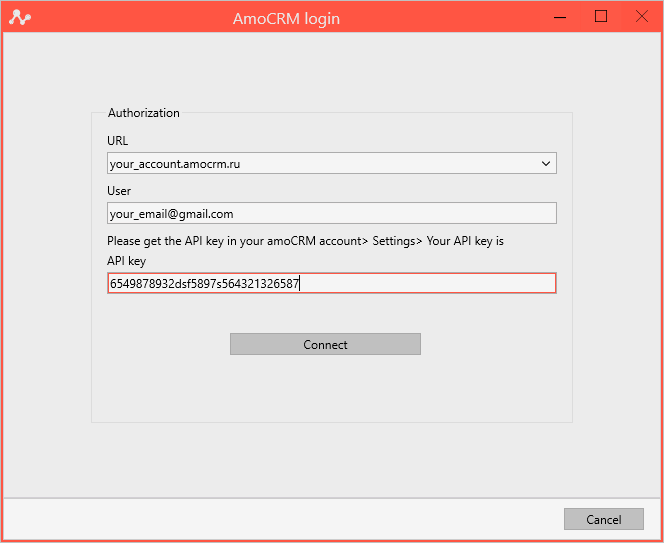
STEP 3. Enter the data of your account in the AMOCRM:
STEP 4. In the window that opens, select the report you need to analyze:
STEP 5. Next window will show SQL. Select Next.
STEP 9. The program will download the data and bring up the initial settings window.
Please note that the Date and Sum fields can be configured in the opened window.
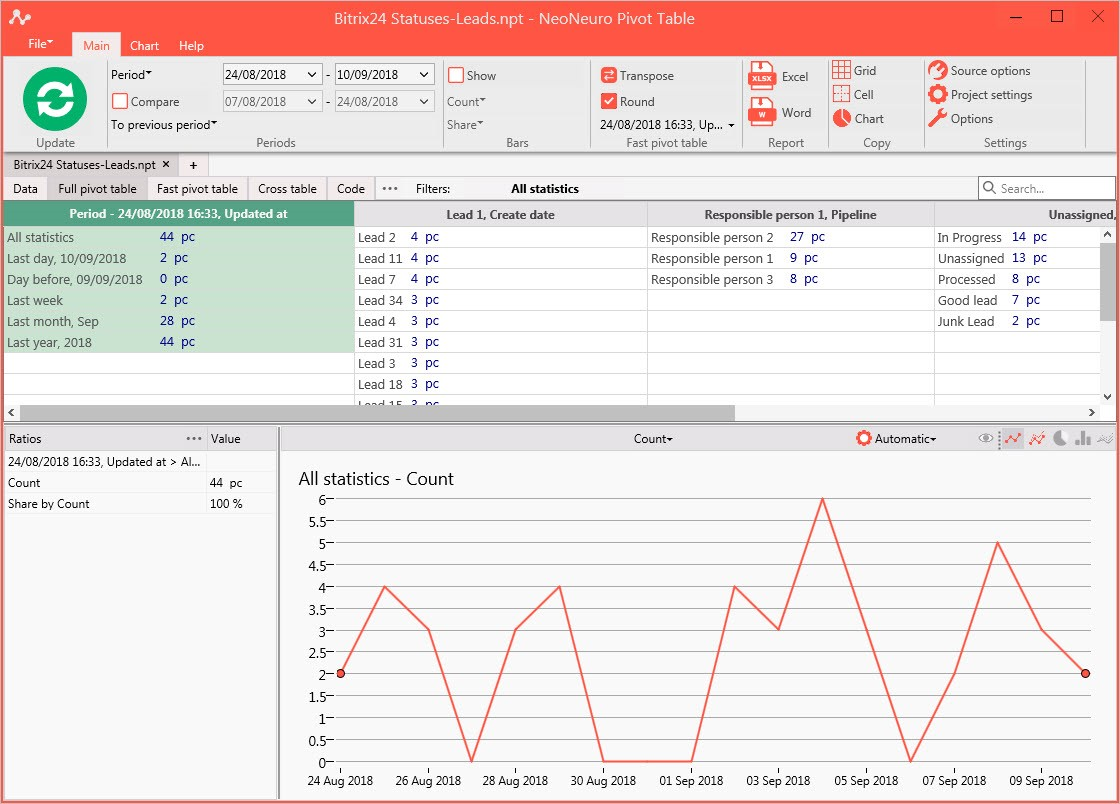
STEP 9. Click OK and get data analysis for all parameters.