To properly display this page you need a browser with JavaScript support.
×
Menu
Search
Search
Search
Typical tasks
How to create sales chart for a certain region?
Previous page
Next page
Bitrix24 reports
-
amoCRM reports
(c) Nemind LLC, 2021
To properly display this page you need a browser with JavaScript support.
How to create sales chart for a certain region?
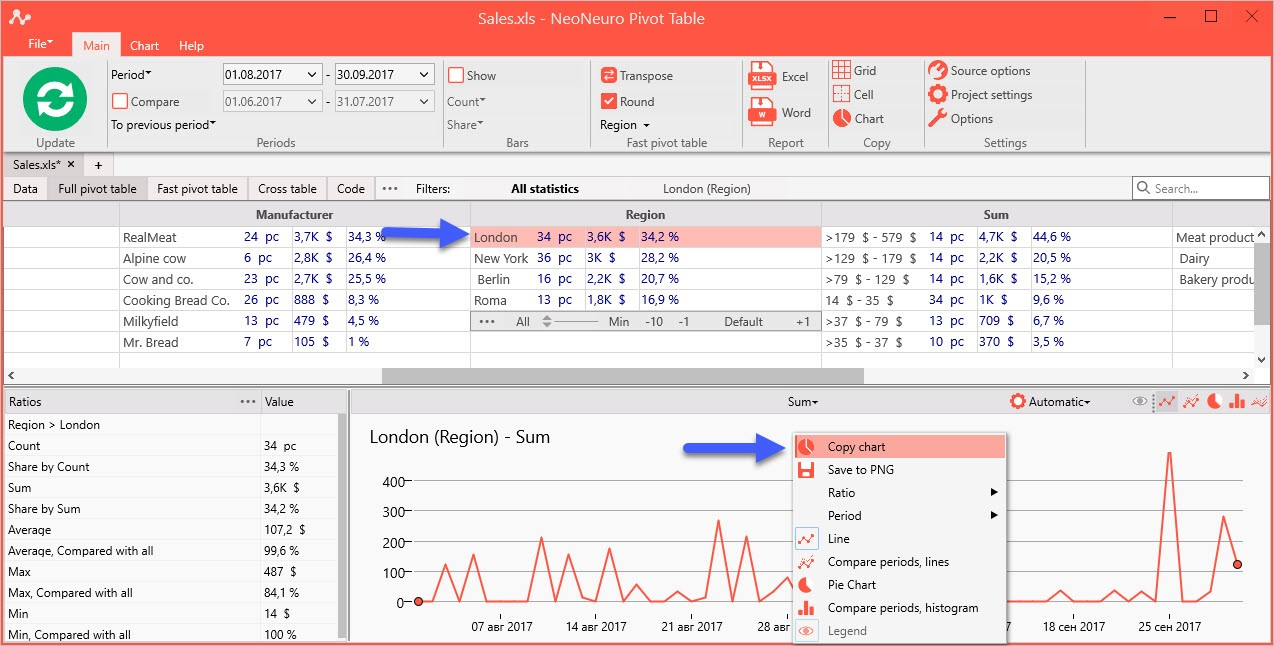
Open file “Sales.xls” and click on the town “London” in “Region” parameter.
Copy chart image to clipboard by clicking in the Main tab: Copy -> Chart.